
Download Nvu – Free HTML Editor, WYSIWYG Web Design Tool
Overview
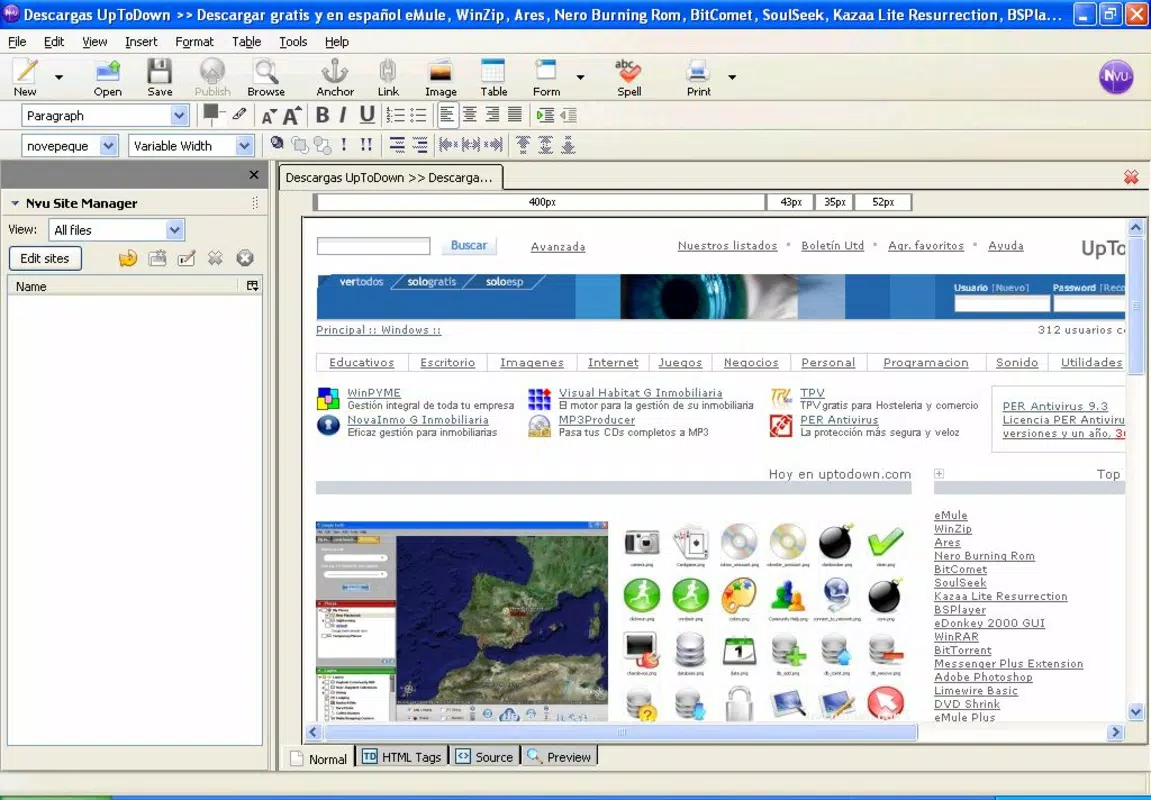
Nvu, also known as N-View, is a free, open-source HTML editor designed to empower users with the tools needed to create professional-quality websites without requiring advanced coding knowledge. Targeted at beginners and intermediate users, Nvu simplifies the web design process through its intuitive, visual interface, making it accessible to individuals and small organizations seeking to establish an online presence without financial or technical barriers. The app functions as a WYSIWYG (What You See Is What You Get) editor, allowing users to design web pages in real time, seeing immediate results as they add content, images, and formatting.
Its primary purpose is to democratize web development by offering a robust alternative to commercial software like Adobe Dreamweaver. Nvu enables users to build responsive, visually appealing websites using drag-and-drop functionality, reducing reliance on manual HTML coding. This makes it particularly useful for students, educators, freelancers, and small business owners who need to publish content online quickly and affordably. The software has earned recognition through multiple awards, underscoring its impact in the web design community and its reliability as a free utility.
Although the developer did not provide additional technical details, the app’s legacy as an award-winning tool reflects its enduring relevance in the web development ecosystem. Its continued use, despite its last official release in 2005, speaks to its stability and effectiveness for basic web authoring tasks. For users seeking a lightweight, no-cost solution for creating static websites, Nvu remains a notable option in the digital toolkit.
Key Features & Functionality
- WYSIWYG Interface: Nvu provides a visual editing environment where users can design web pages in real time. Elements such as text, images, and tables can be positioned and styled intuitively, mimicking the experience of using a photo editor. This eliminates the need to write or debug HTML code manually, allowing users to focus on design and content.
- Drag-and-Drop Editing: The app supports intuitive drag-and-drop functionality, enabling users to move content blocks, images, and layout elements with ease. This feature significantly lowers the learning curve for beginners and accelerates the design workflow.
- Free to Use: Nvu is completely free of charge, with no subscription fees or hidden costs. This makes it an ideal tool for individuals, educators, and small organizations operating on tight budgets who still require professional-grade web authoring capabilities.
- Beginner-Friendly Design: The interface is streamlined and accessible, with clear menus and tooltips that guide new users through common tasks. Even those with minimal technical experience can create functional and visually appealing web pages without prior training.
- Professional Output: Despite its simplicity, Nvu generates clean, standards-compliant HTML code. This ensures that websites created with the tool are compatible with modern browsers and maintain a professional appearance across devices.
For example, a high school teacher could use Nvu to create a class website with assignments, schedules, and resources in under an hour, without needing to learn HTML. Similarly, a local artisan might use it to launch a simple portfolio site to showcase their work and contact information.
Interface, UX & Performance
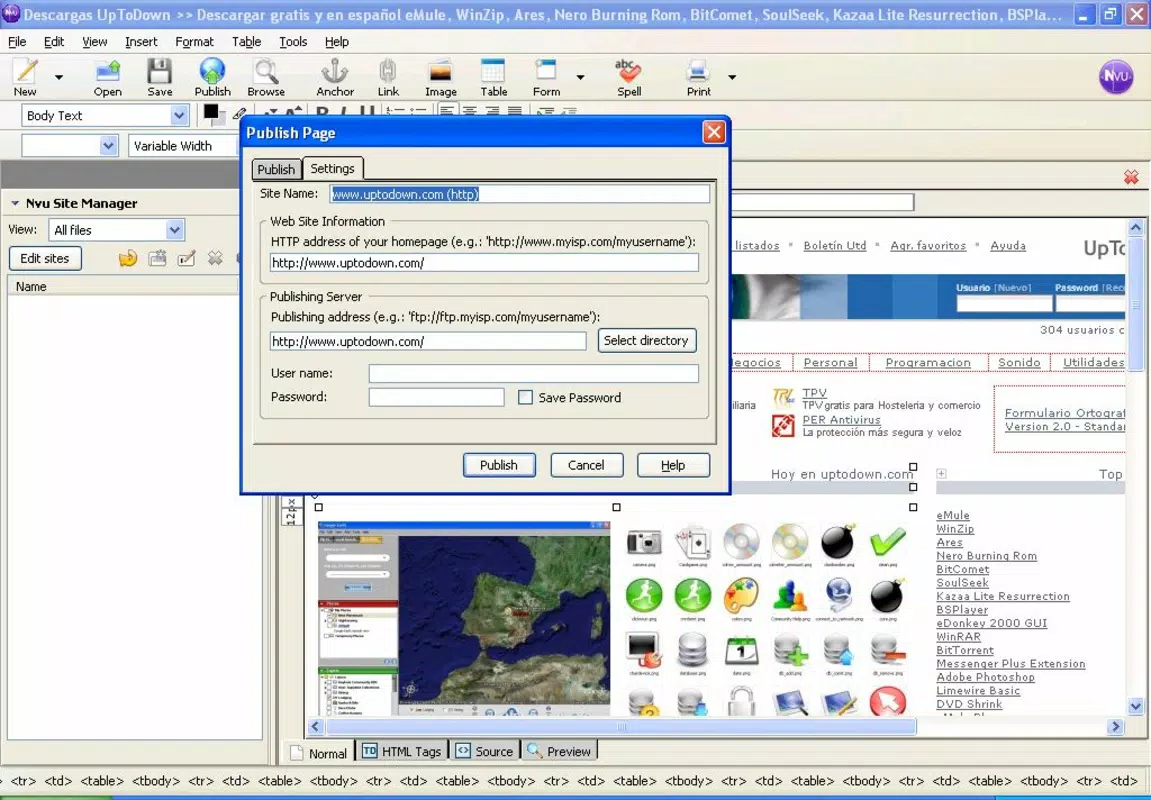
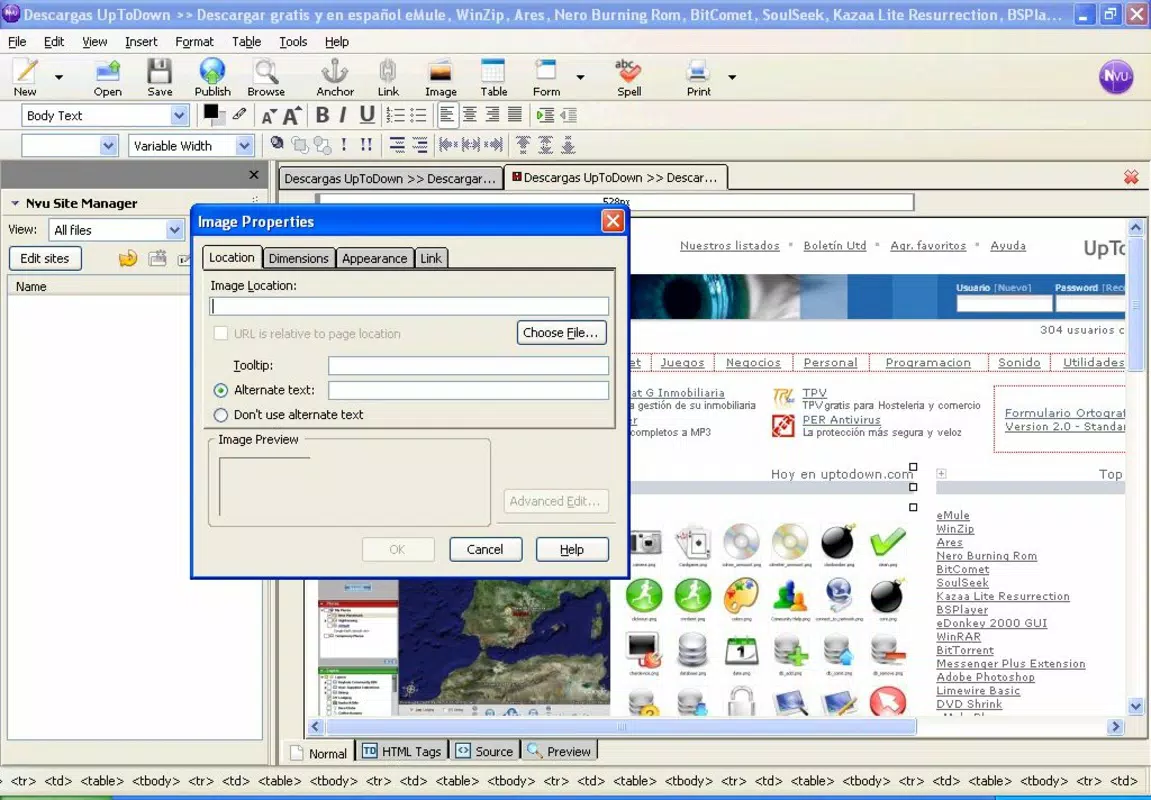
The user interface of Nvu is designed around clarity and ease of navigation. It employs a traditional desktop layout with a main editing area flanked by toolbars, a document structure panel, and a properties inspector. This layout allows users to manage content, formatting, and layout efficiently, even on lower-end hardware.
Navigation is consistent across tasks, with a logical flow from creating a new page to adding content, styling, and publishing. The visual feedback is immediate—changes are reflected in real time, which enhances the user experience and reduces trial-and-error.
Although the developer did not list formal performance metrics, the app’s lightweight nature suggests it runs smoothly on older systems and devices. Its responsiveness is adequate for basic web authoring tasks, though users may notice limitations when handling large or complex projects. Stability is generally reliable, with minimal crashes reported in its active user community. However, since the software has not been updated since 2005, compatibility with modern operating systems may vary.
Platform Compatibility & Technical Requirements
Nvu is designed for desktop environments and is compatible with multiple operating systems, though specific platform details were not listed. The app’s file size is not disclosed in the provided information, but its lightweight architecture suggests it requires minimal storage space.
The developer did not specify minimum OS requirements or version compatibility. As such, users should exercise caution when installing on modern systems, particularly those running recent versions of Windows, macOS, or Linux. Compatibility may depend on legacy support or third-party compatibility layers.
Given that the last release was in 2005, users should be aware that Nvu may not function optimally on current platforms without additional configuration or emulation tools. For those seeking a modern alternative, it is recommended to explore updated open-source editors that maintain similar principles of accessibility and ease of use.
Pros and Cons
- Free to download and use with no licensing fees
- Intuitive WYSIWYG interface suitable for beginners
- Supports drag-and-drop content placement for faster design
- Produces clean, standards-compliant HTML output
- Recognized with multiple awards for usability and functionality
- Not updated since 2005; may lack modern features
- Compatibility with current operating systems is uncertain
- No official support or developer updates available
- Limited functionality for advanced web development needs
- Not optimized for mobile or tablet use
FAQ
Is Nvu safe to download and install?
Nvu is an open-source project with a public codebase. While it is generally considered safe, users should download it from trusted sources to avoid modified or malicious versions. Always verify the authenticity of the file before installation.
Can I use Nvu on Windows, macOS, or Linux?
The developer did not specify platform availability. However, historical versions were available for Windows and Linux. Support for macOS is uncertain due to the app’s age and lack of recent updates.
Does Nvu require an internet connection?
No, Nvu operates offline. Once installed, it does not require an internet connection to create or edit web pages.
Is Nvu still being updated?
No, the last official release was in 2005. The software is no longer actively maintained, and no new features or security patches are being developed.
Can I publish websites created with Nvu online?
Yes. Nvu generates standard HTML files that can be uploaded to any web hosting service. The output is compatible with most modern web servers and browsers.
Final Thoughts
Nvu stands as a pioneering example of accessible web design software, offering a powerful, free solution for creating professional-looking websites without coding. While its age presents compatibility challenges on modern systems, its core principles—simplicity, affordability, and visual editing—remain relevant today. For users seeking a no-cost, beginner-friendly tool to build static websites, Nvu remains a viable option, especially when used in legacy environments or through compatibility layers.
Despite its outdated status, the app’s legacy continues to inspire modern open-source projects aiming to lower the barrier to entry in web development. For those exploring the fundamentals of web authoring or maintaining older websites, Nvu delivers tangible value.
Download Nvu now


